 TESTED 13 Jul
GSUITE Online Practice Questions and Answers
You want to link to your Google Slides presentation from the company's website. The web developer has asked you to provide a hyperlink that will start the slideshow as soon as the user clicks the link. What should you do?
A. Click Insert and then click Link
B. Click File, click Download as, and then click Microsoft PowerPoint (.pptx)
C. Click Share and then click Get shareable link
D. Click File, click Publish to the web, click Link, and then click Publish
Your Team Drive has over 7,000 images and PDF files. For a meeting you have in 10 minutes, your
manager asks you for all the JPG and PDF marketing flyer files the company has created. You need to find
these files before your meeting.
What should you do?
A. Search www.google.com for marketing flyer JPG OR PDF
B. Type marketing flyer JPG OR PDF in the Drive search bar
C. Search the bookmarks in your Google Chrome browser
D. Sort all the files in "Team Drive" alphabetically
You want to send login instructions, such as URL, username, and password, to a new external user. You want to email to be automatically deleted from the user's inbox in two days. What should you do?
A. Call the user and provide them with login instructions over the phone
B. Email the user and ask them to delete the email in two days
C. Send the URL and username in one email, and send the temporary password in another
D. Create the email in confidential mode. Set the email to expire in two days
You have a folder saved locally on your laptop. You need to upload the folder to Google Drive. What should you do?
A. In Google Drive, click New, and then click File Upload. Select the file you want to upload from your laptop
B. In Google Drive, click New, and then click Folder. Give a name to the new folder, and then click Create
C. In Google Drive, navigate to My Drive. Click Upload files and upload the relevant files from your local drive to Google Drive
D. In Google Drive, click New, and then click Folder Upload. Select a folder you want to upload, and then click Upload
You are presenting a Google Slides presentation and need to remind yourself of what to say. You want to see your notes while you are in presenter view. What should you do?
A. In your presentation, on each slide, click Insert, then click Comment, and add your speaking notes
B. In your presentation, add notes below each slide, where it says Click to add speaker notes
C. Write your notes in a Google Doc and link to that document in your Google Slides presentation
D. In your presentation, click Insert, select Text box, and add your notes to a textbox below each slide
SIMULATION
Overview
In the following tasks, you will demonstrate your ability to work in Google Docs. Dream Digital Design is a web design company known for building exceptional websites. You will be editing the job description for the new web designer role that will open shortly. Use the Dream Digital Design Job Description for all the tasks in this scenario.
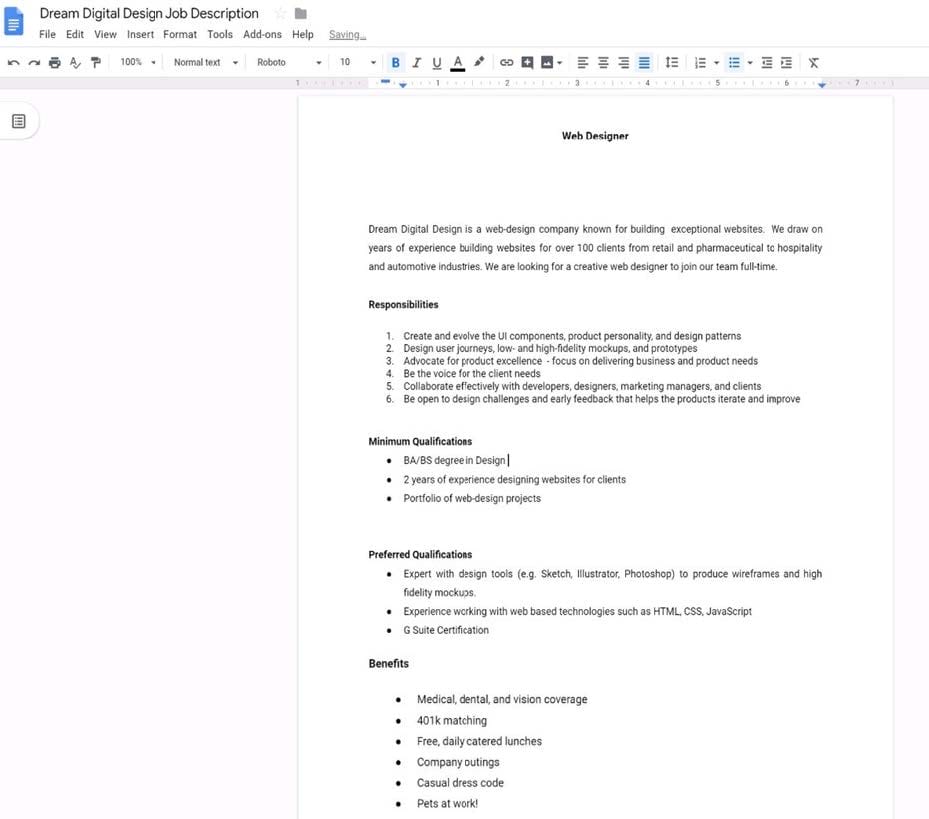
Change the line spacing of the Dream Digital Design Job Description from 1.5 to single spacing.
A. See explanation below.
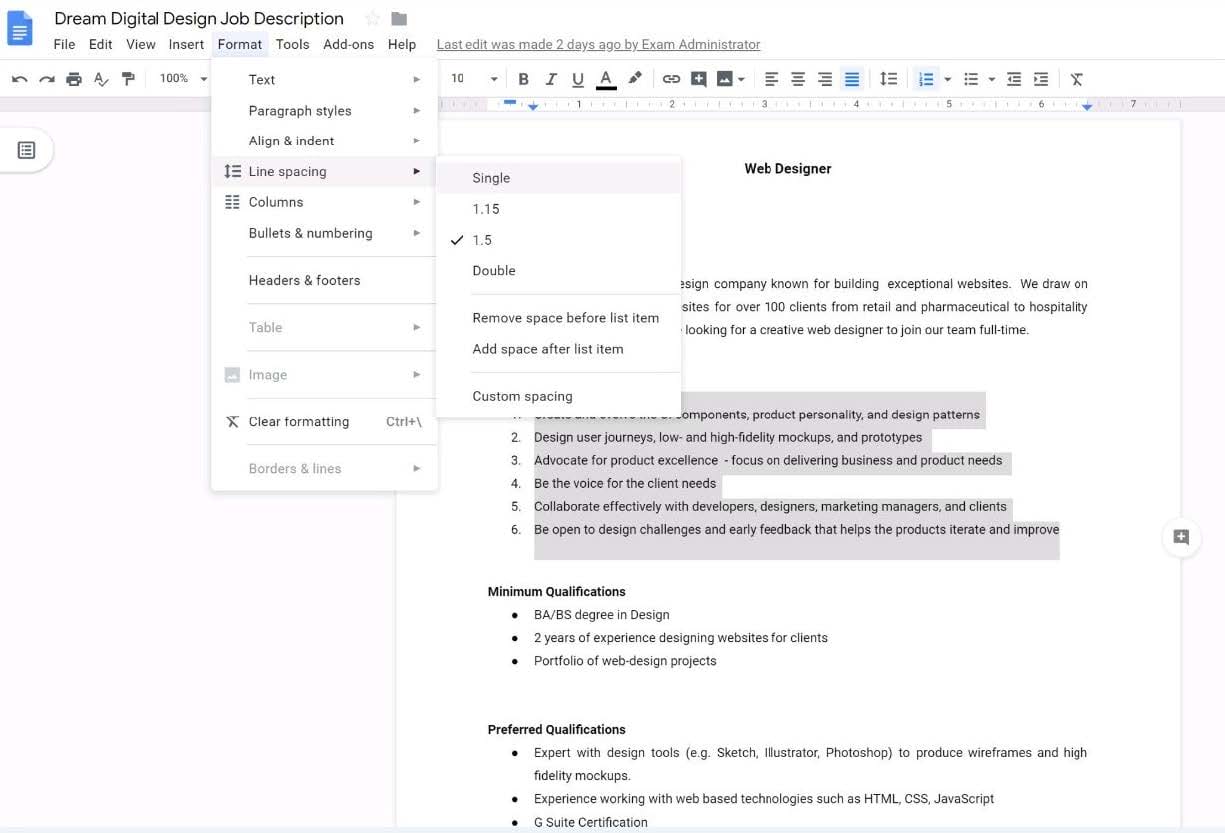
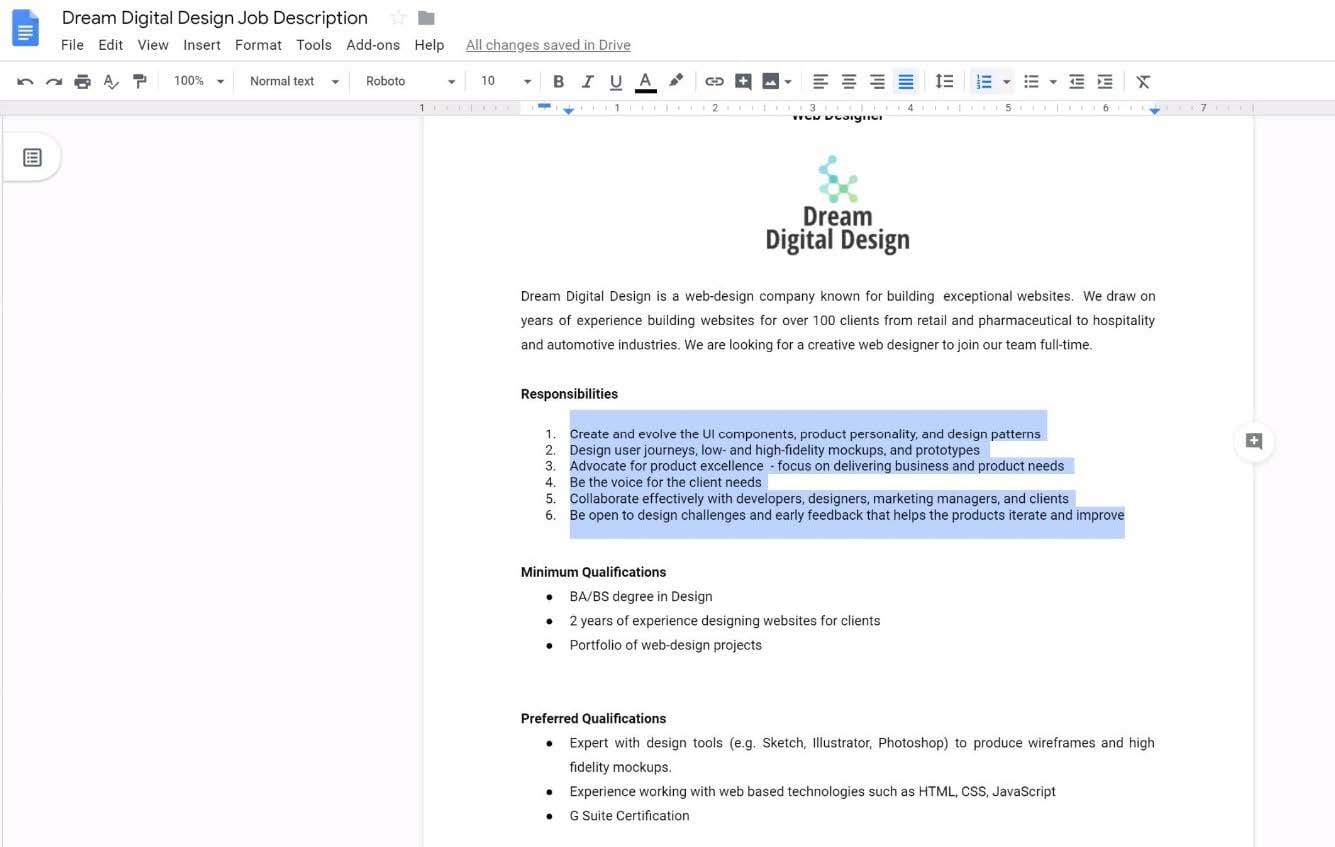
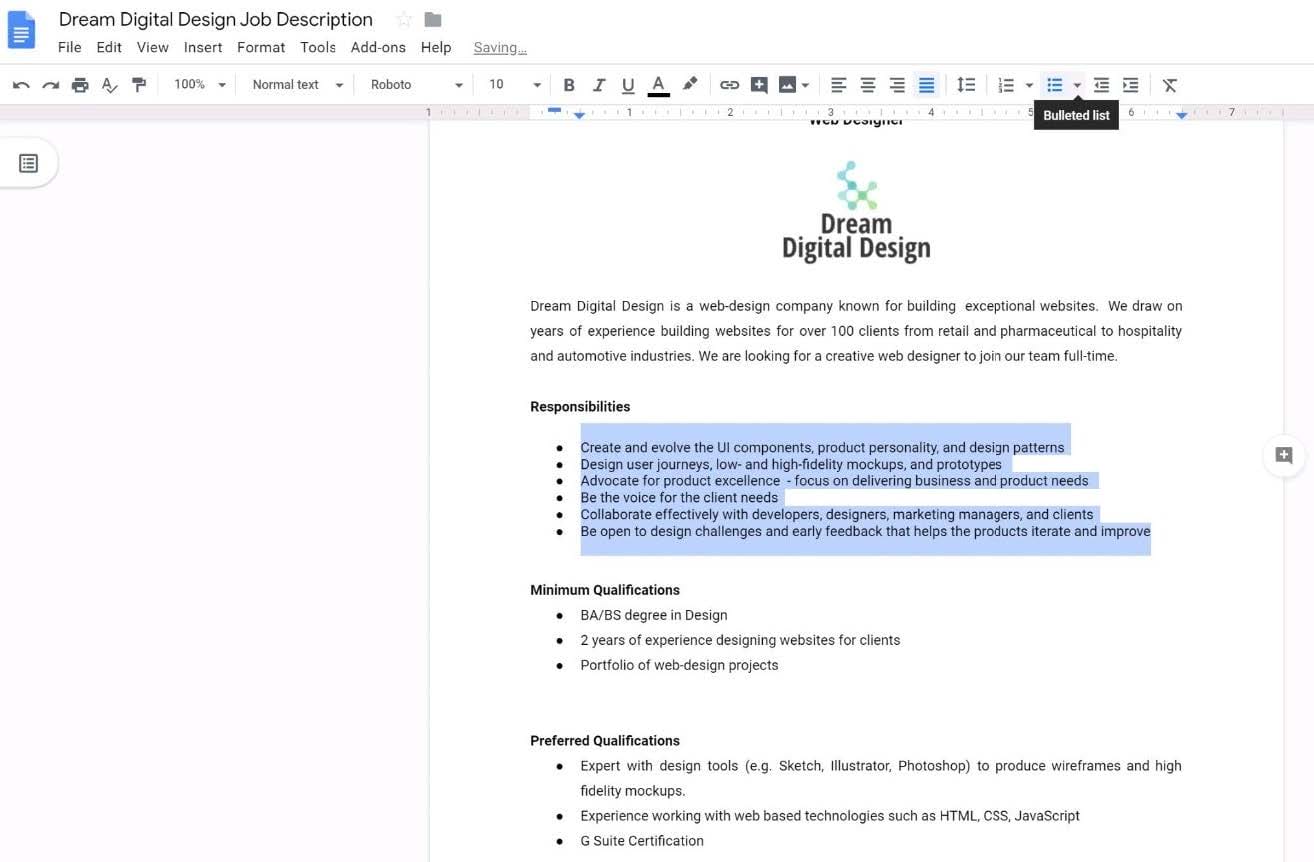
SIMULATION Overview
In the following tasks, you will demonstrate your ability to work in Google Docs. Dream Digital Design is a web design company known for building exceptional websites. You will be editing the job description for the new web designer role that will open shortly. Use the Dream Digital Design Job Description for all the tasks in this scenario.
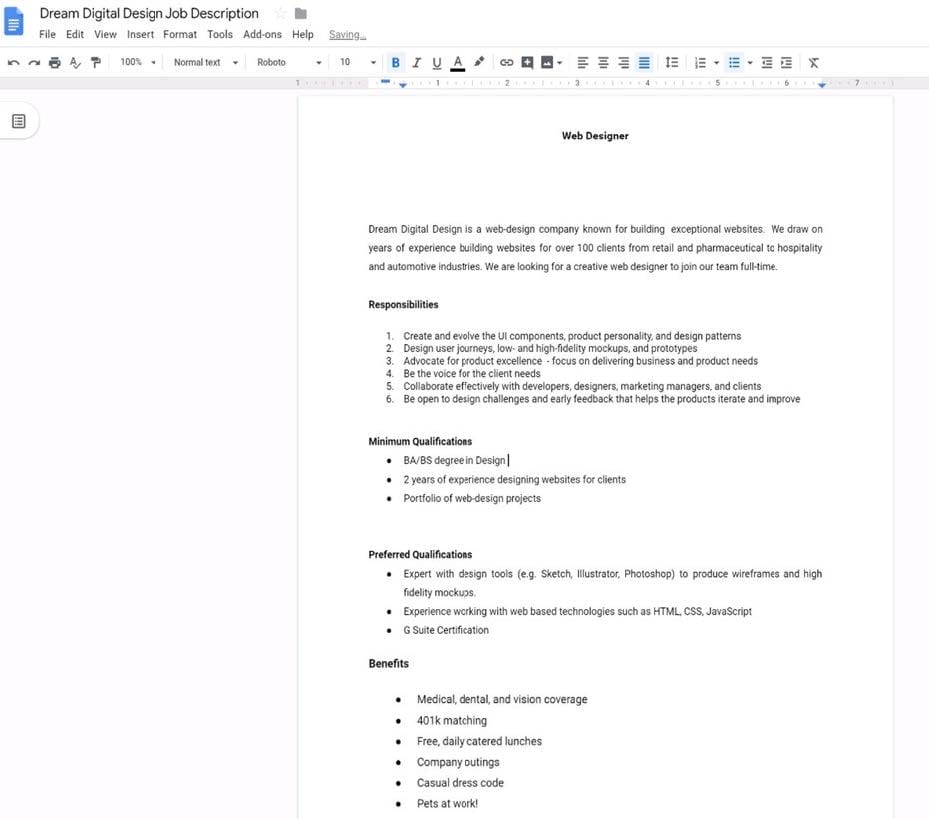
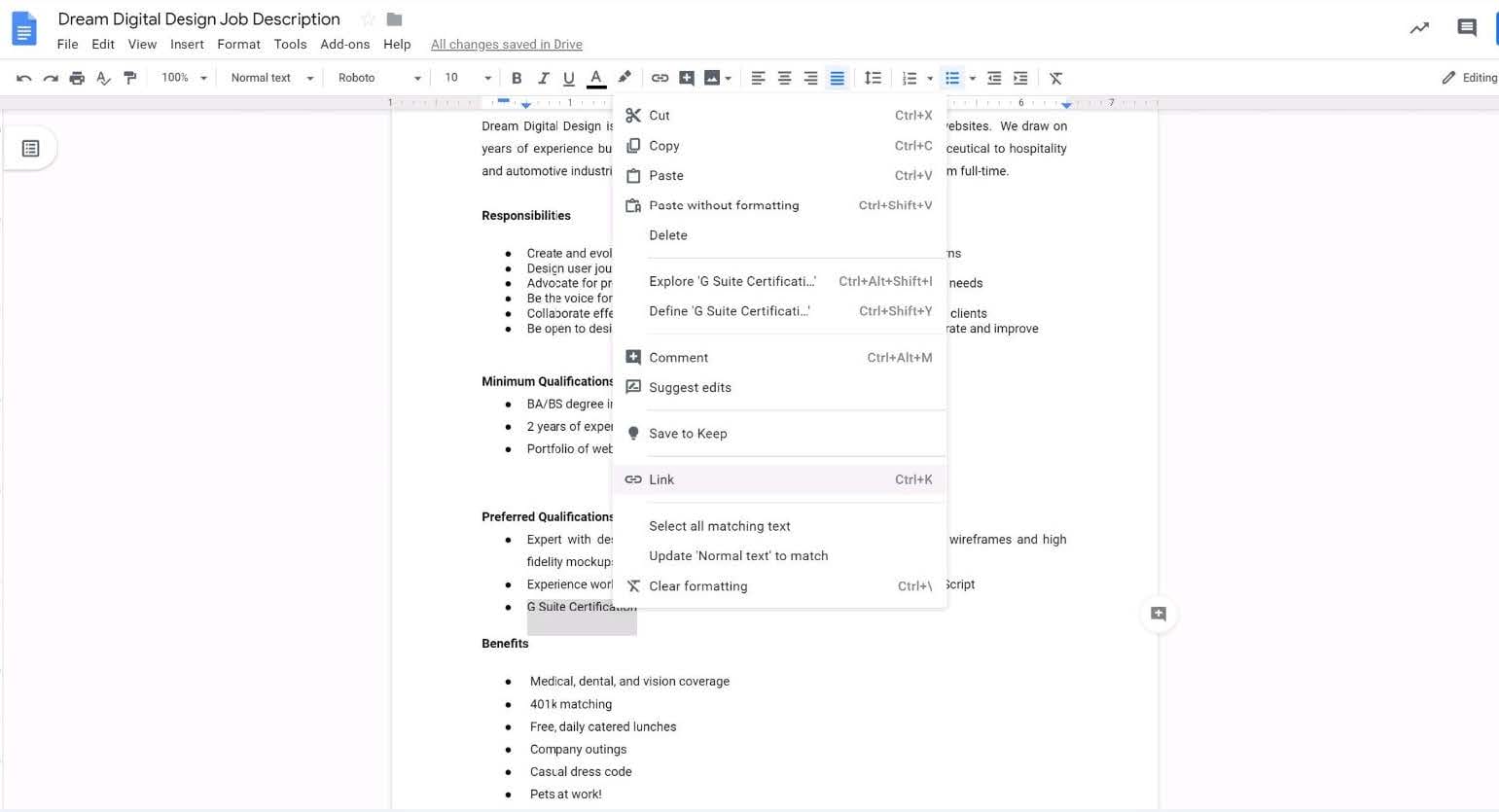
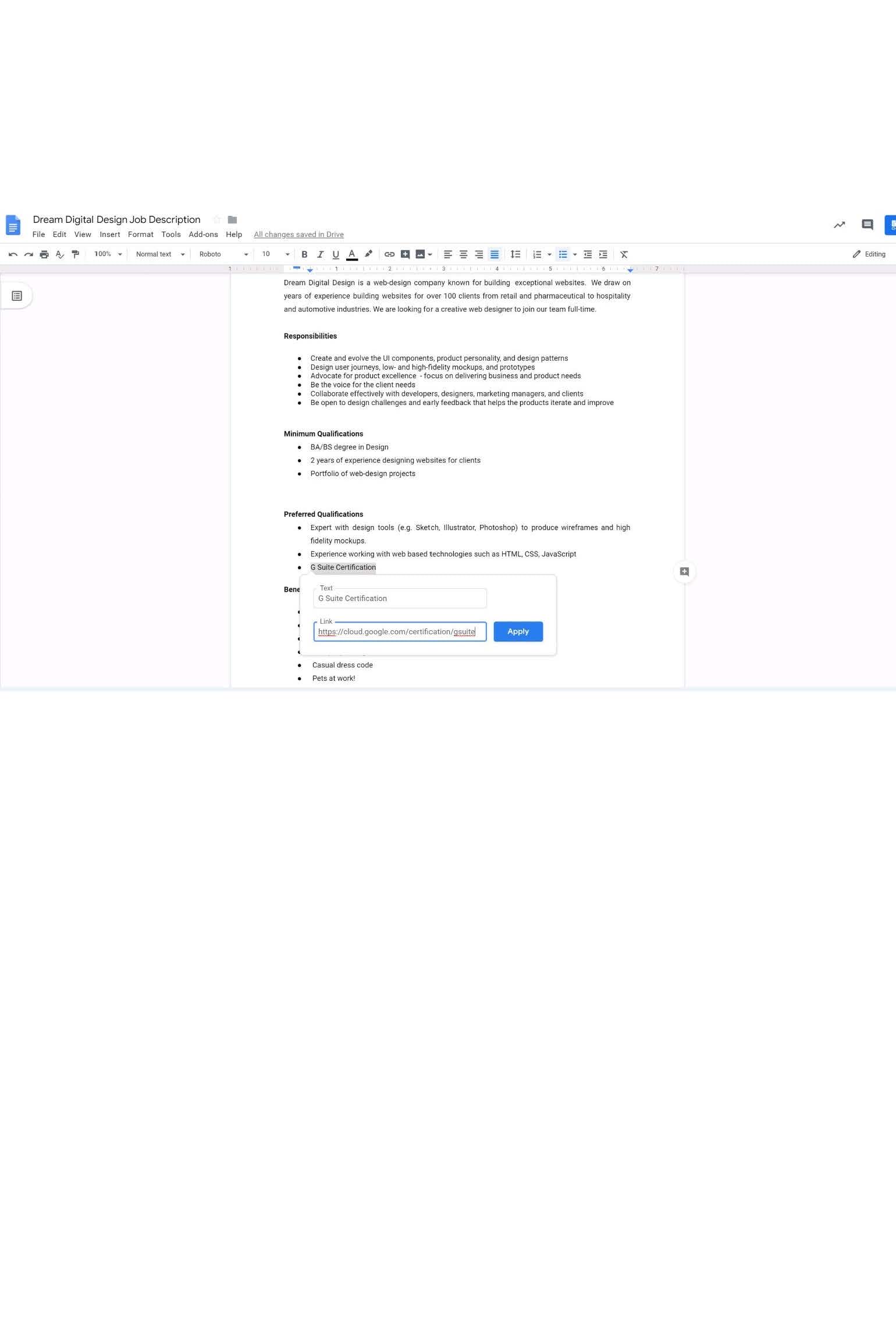
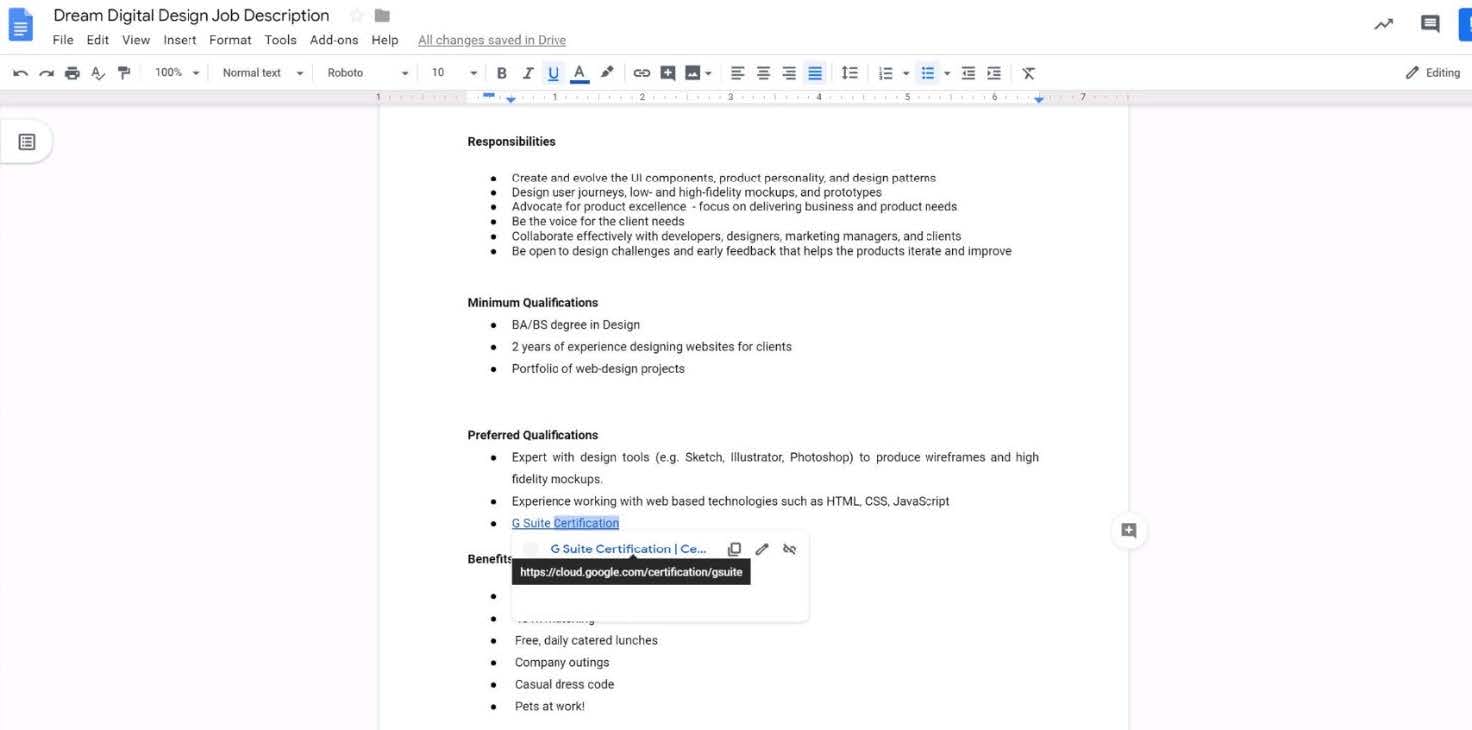
In the Preferred Qualifications, add a link to https://cloud.google.com/certification/gsuite to the G Suite Certification text.
A. See explanation below.
SIMULATION Overview
In the following tasks, you will demonstrate your ability to work in Google Docs. Dream Digital Design is a web design company known for building exceptional websites. You will be editing the job description for the new web designer role that will open shortly. Use the Dream Digital Design Job Description for all the tasks in this scenario.
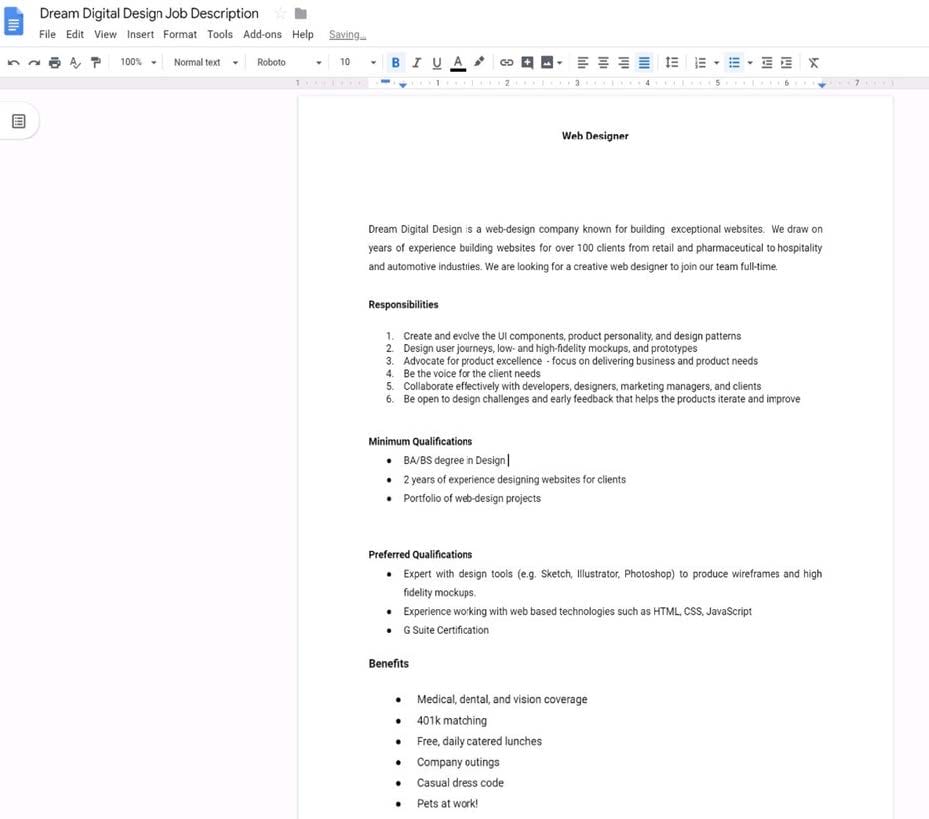
Change the page color to any color other than white.
A. See explanation below.
SIMULATION Overview
In the following tasks, you will demonstrate your ability to work in Google Sheets. You are organizing and analyzing the schedule of employee shifts. Use the Employee Shift Schedule for Kelvin Cars sheet for all the tasks in this scenario.
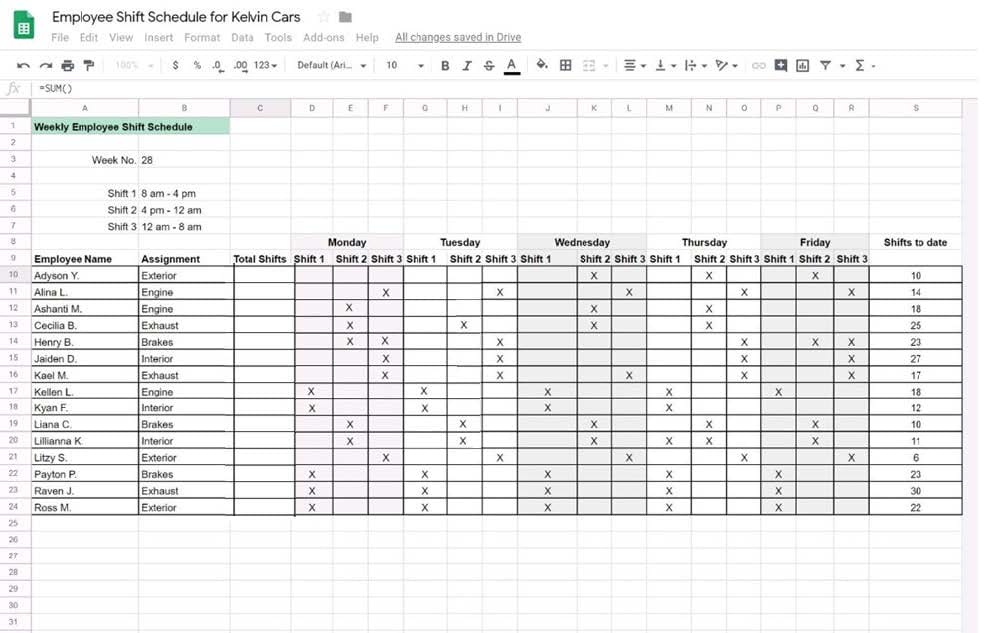
In the Employee Shift Schedule for Kelvin Cars, add a border to all the cells in range A10:S24.
A. See explanation below.
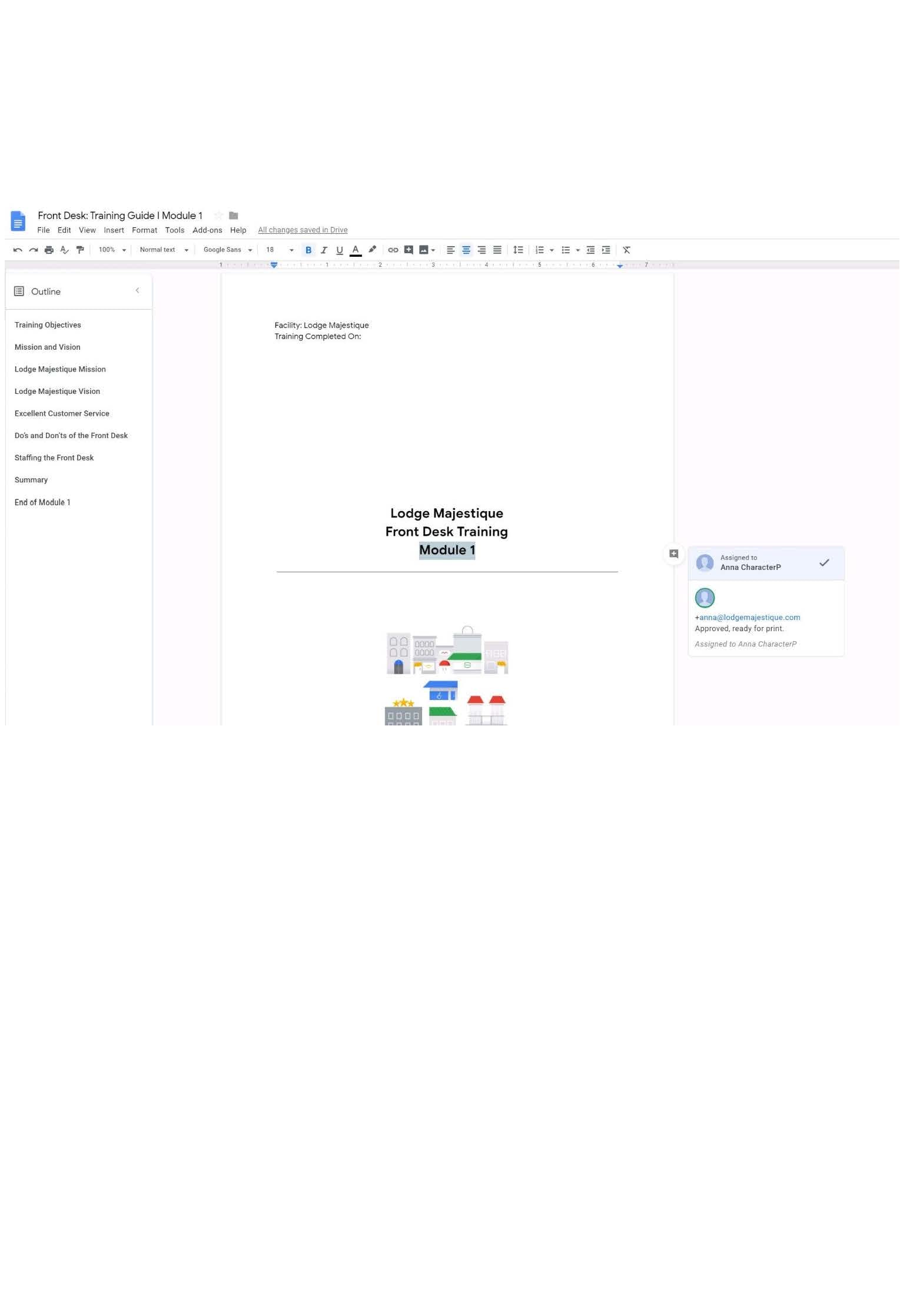
SIMULATION Overview In the following tasks, you will demonstrate your ability to work in Google Docs. Lodge Majestique is a
prominent vacation destination known for its great customer service. You will be finalizing a training guide for the Lodge Majestique Front Desk. Use the Front Desk: Training Guide | Module 1 for all the tasks in this scenario.
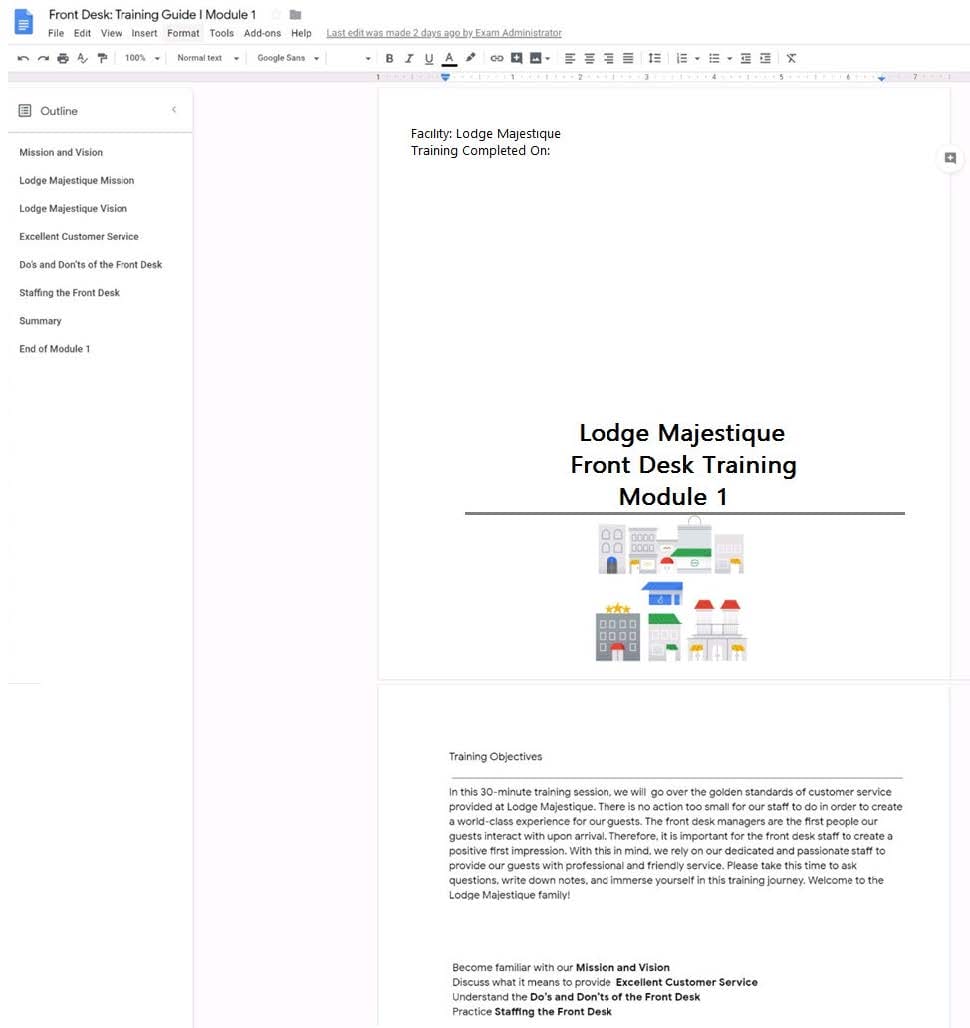
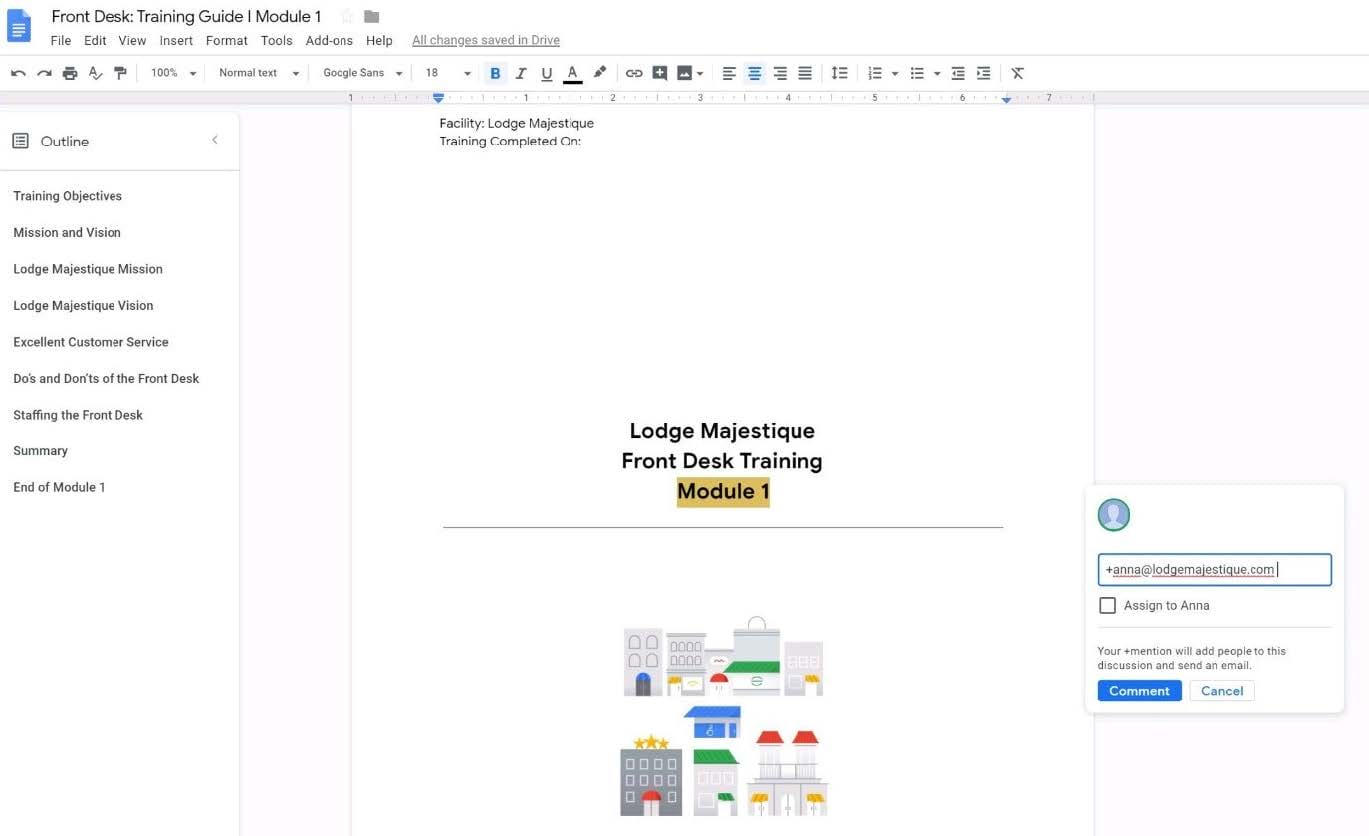
On the front page of the training guide, highlight Module 1 and leave a comment for your manager, anna@lodgemajestique.com. The comment should say Approved, ready for print.
A. See explanation below.

Home | Contact Us | About Us | FAQ | Guarantee & Policy | Privacy & Policy | Terms & Conditions | How to buy
Copyright © 2026 pass4itsure.com. All Rights Reserved