 TESTED 13 Jul
CKA Online Practice Questions and Answers
SIMULATION
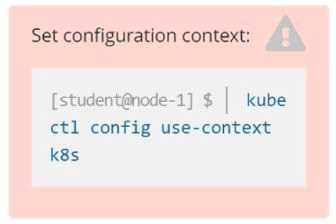
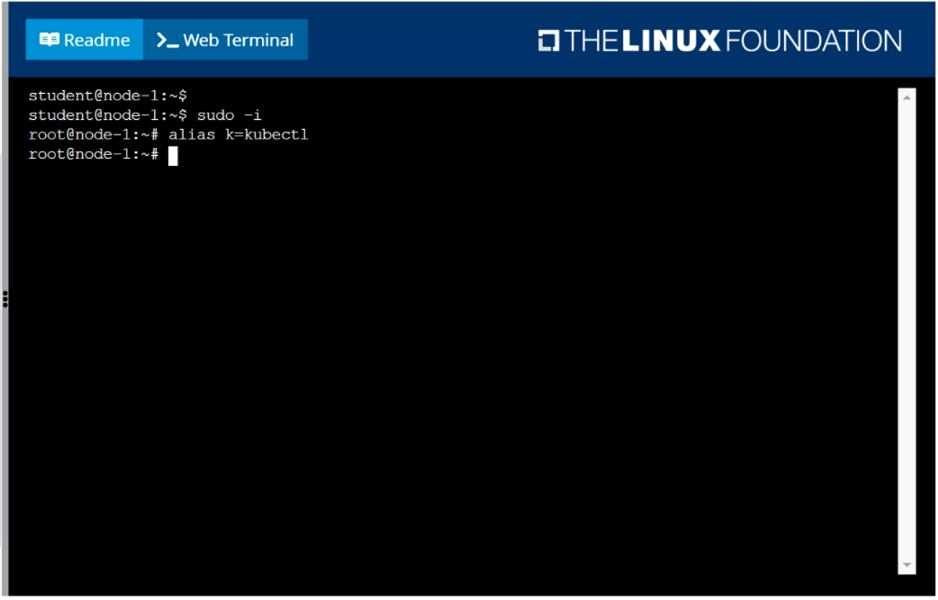
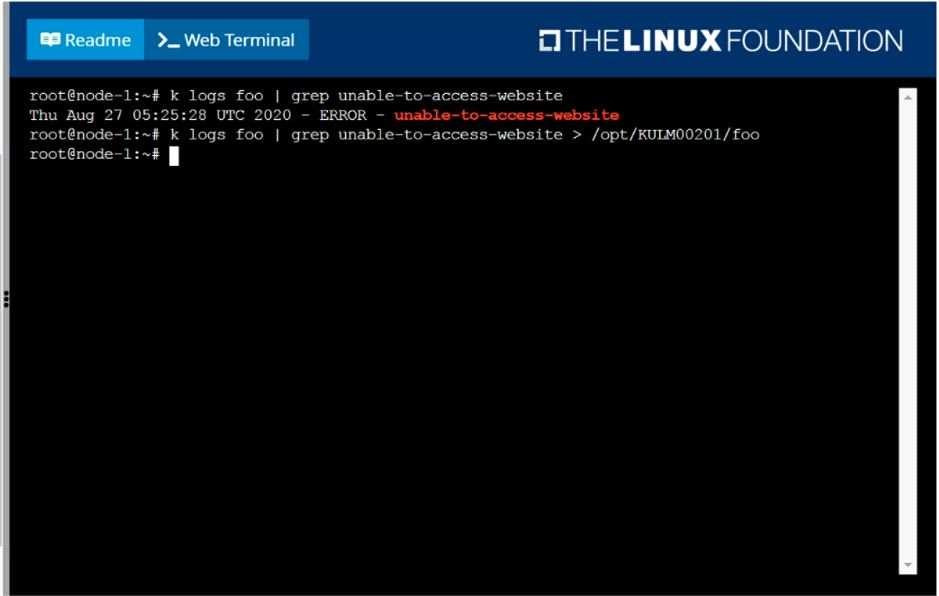
Monitor the logs of pod foo and:
1. Extract log lines corresponding to error
2. unable-to-access-website Write them to /opt/KULM00201/foo
SIMULATION
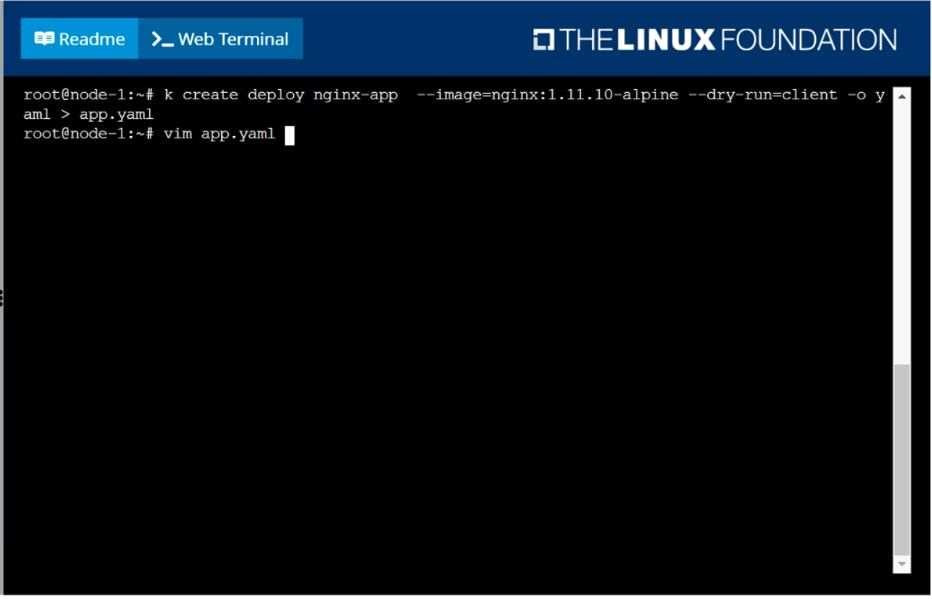
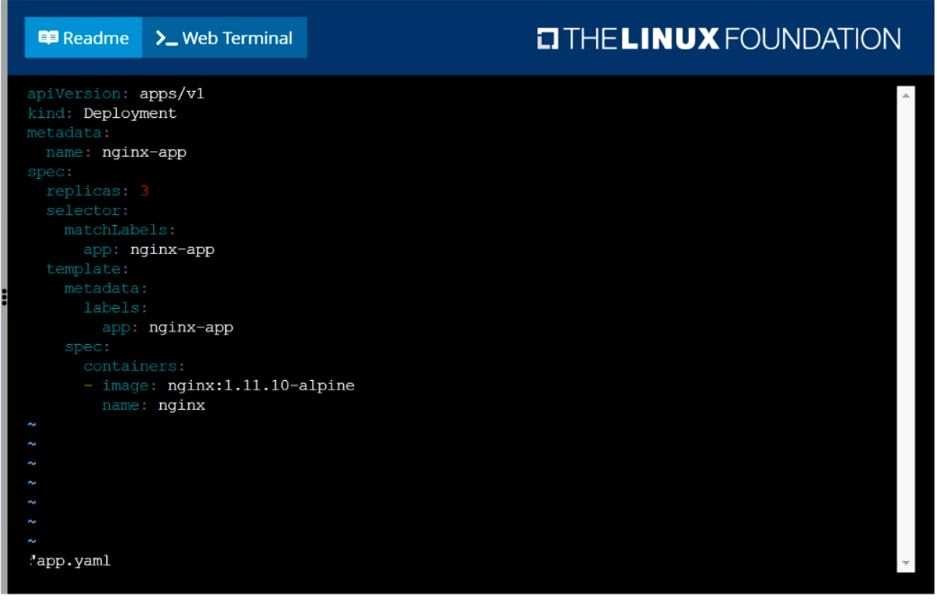
Create a deployment as follows:
1.
Name: nginx-app
2.
Using container nginx with version 1.11.10-alpine
3.
The deployment should contain 3 replicas
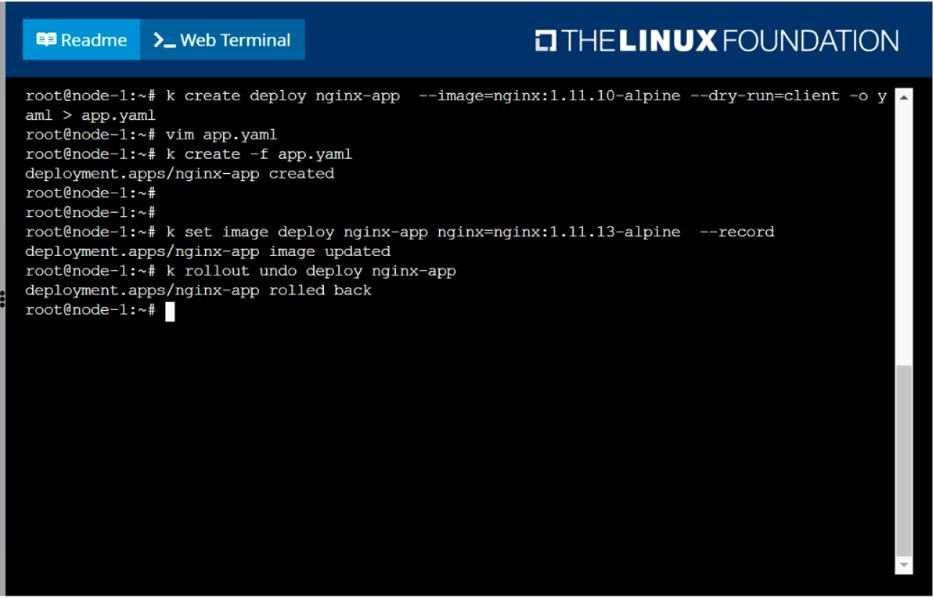
Next, deploy the application with new version 1.11.13-alpine, by performing a rolling update. Finally, rollback that update to the previous version 1.11.10-alpine.
SIMULATION
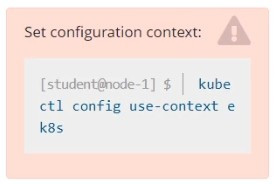
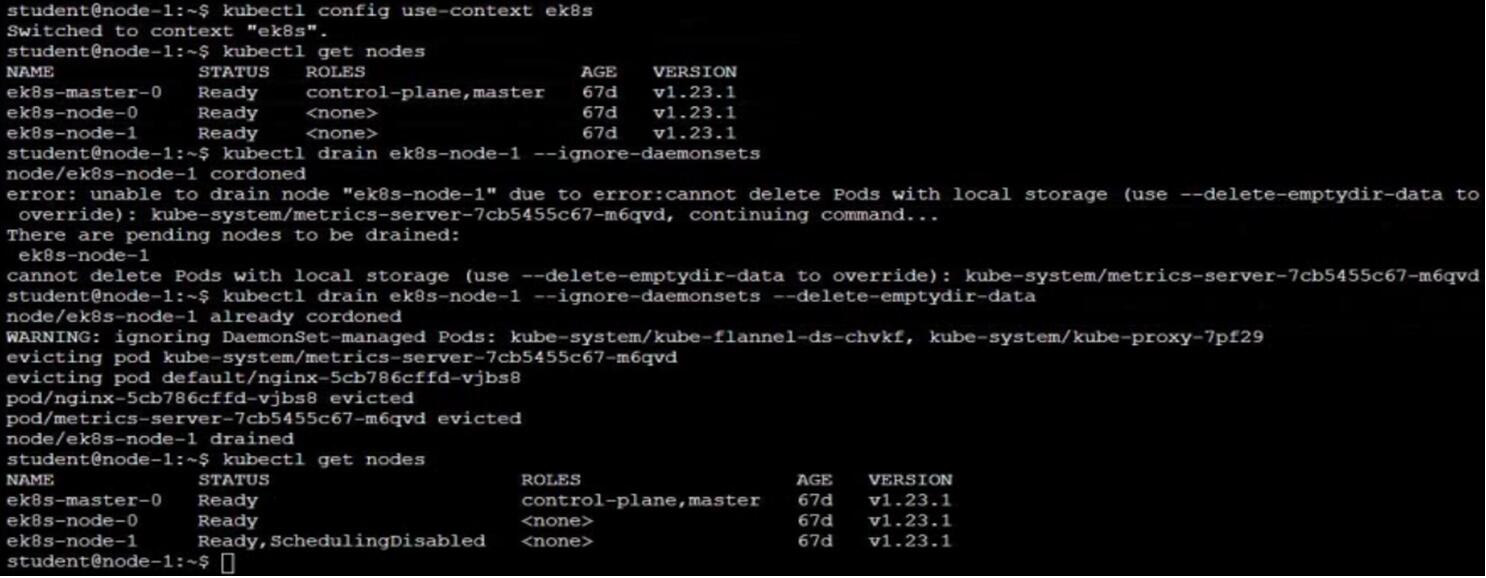
Set the node named ek8s-node-1 as unavailable and reschedule all the pods running on it.
SIMULATION
Configure the kubelet systemd- managed service, on the node labelled with name=wk8s-node-1, to launch a pod containing a single container of Image httpd named webtool automatically. Any spec files required should be placed in the /etc/
kubernetes/manifests directory on the node.
You can ssh to the appropriate node using:
[student@node-1] $ ssh wk8s-node-1
You can assume elevated privileges on the node with the following command:
[student@wk8s-node-1] $ | sudo -i
SIMULATION
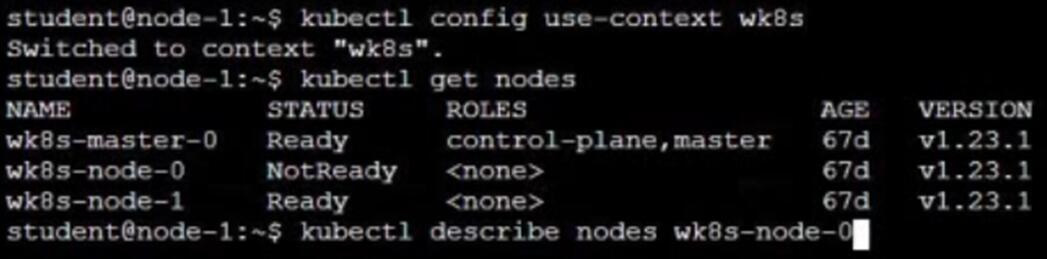
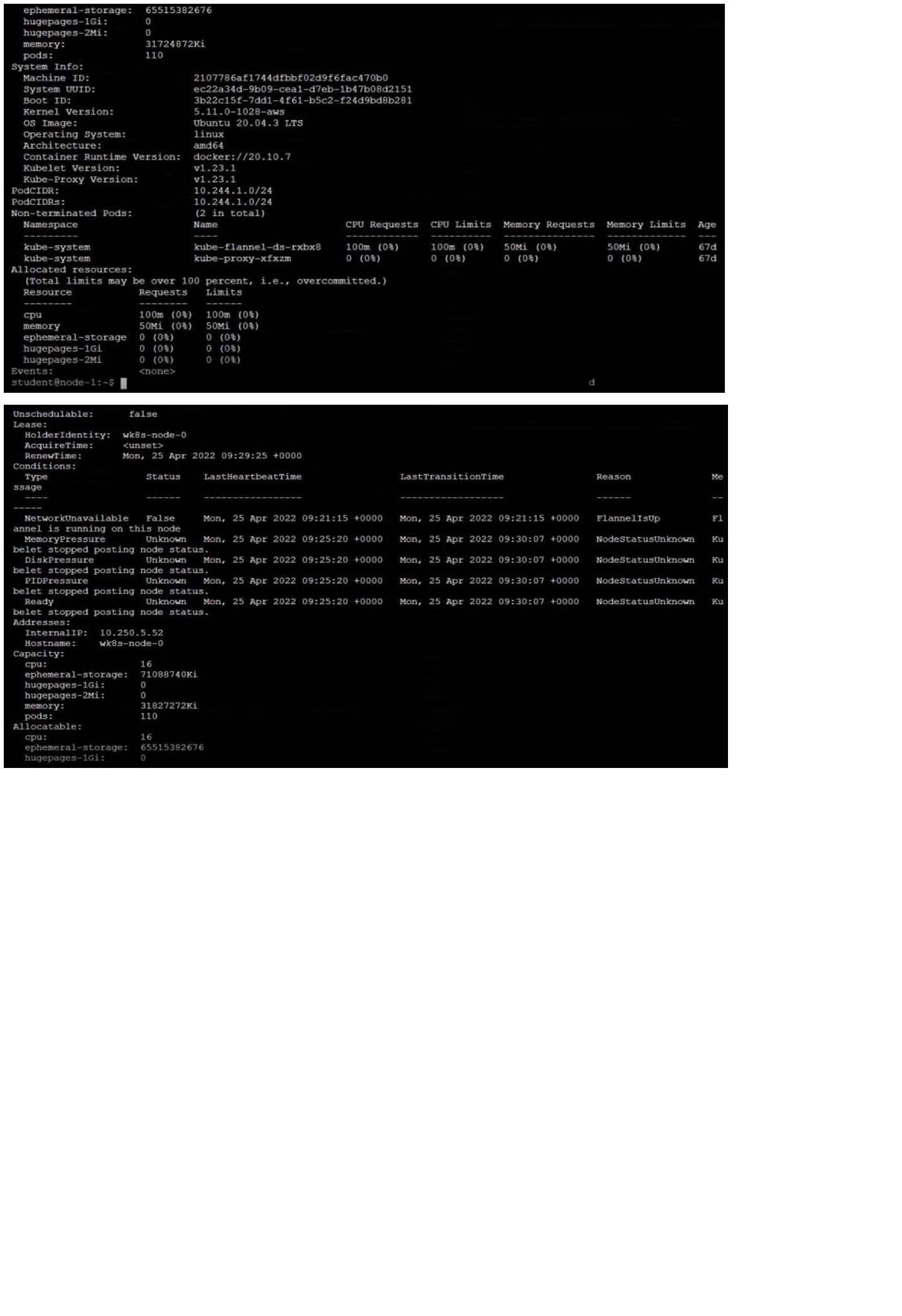
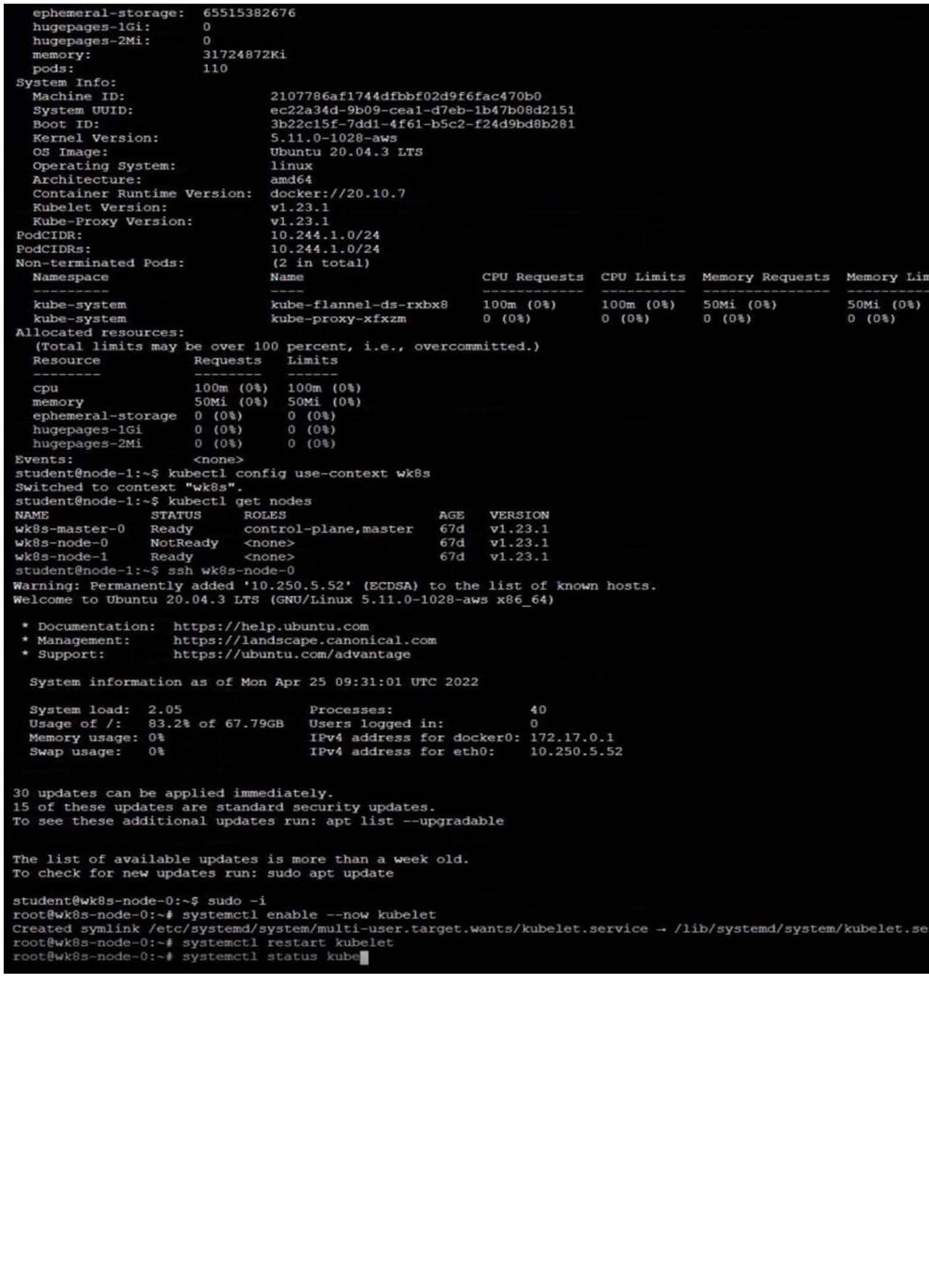
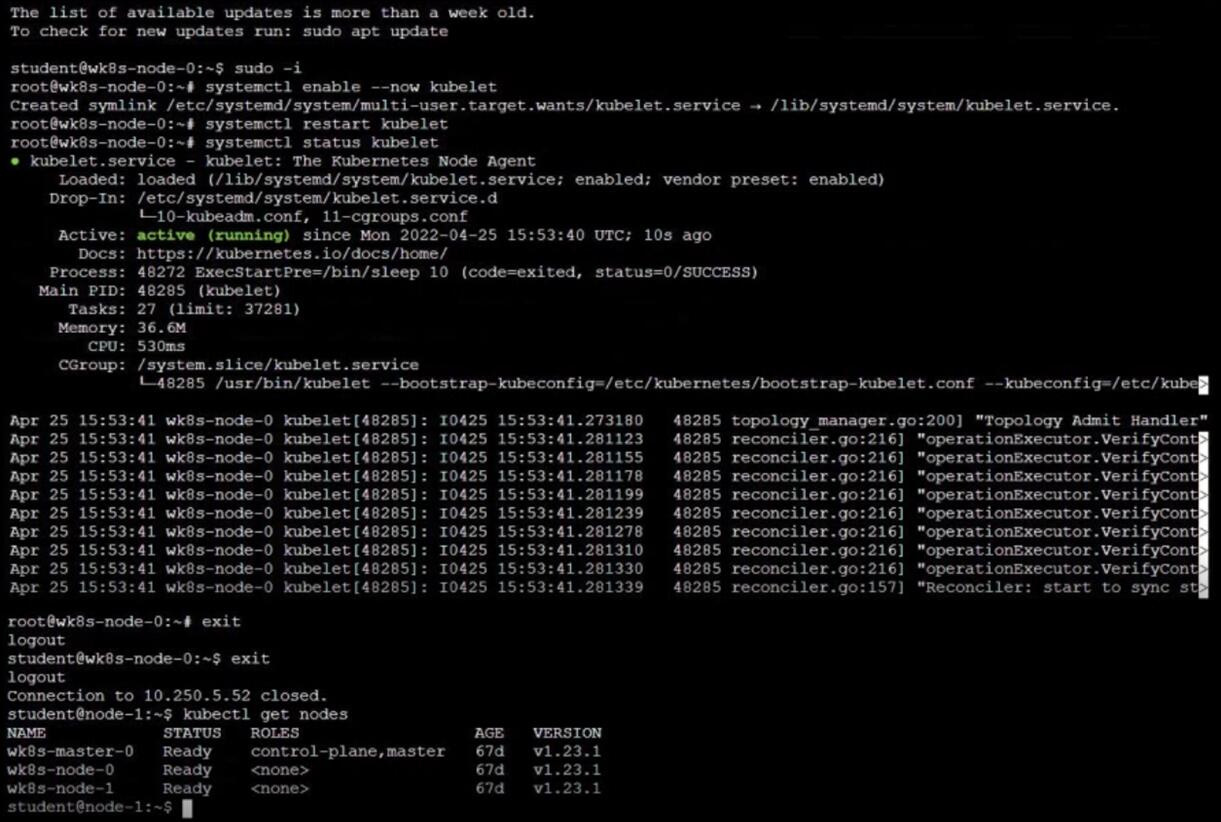
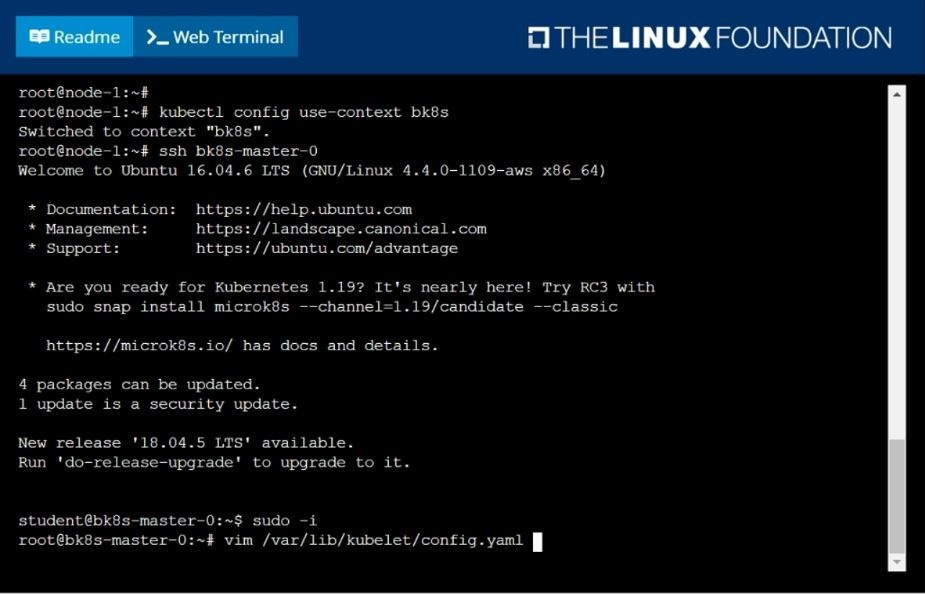
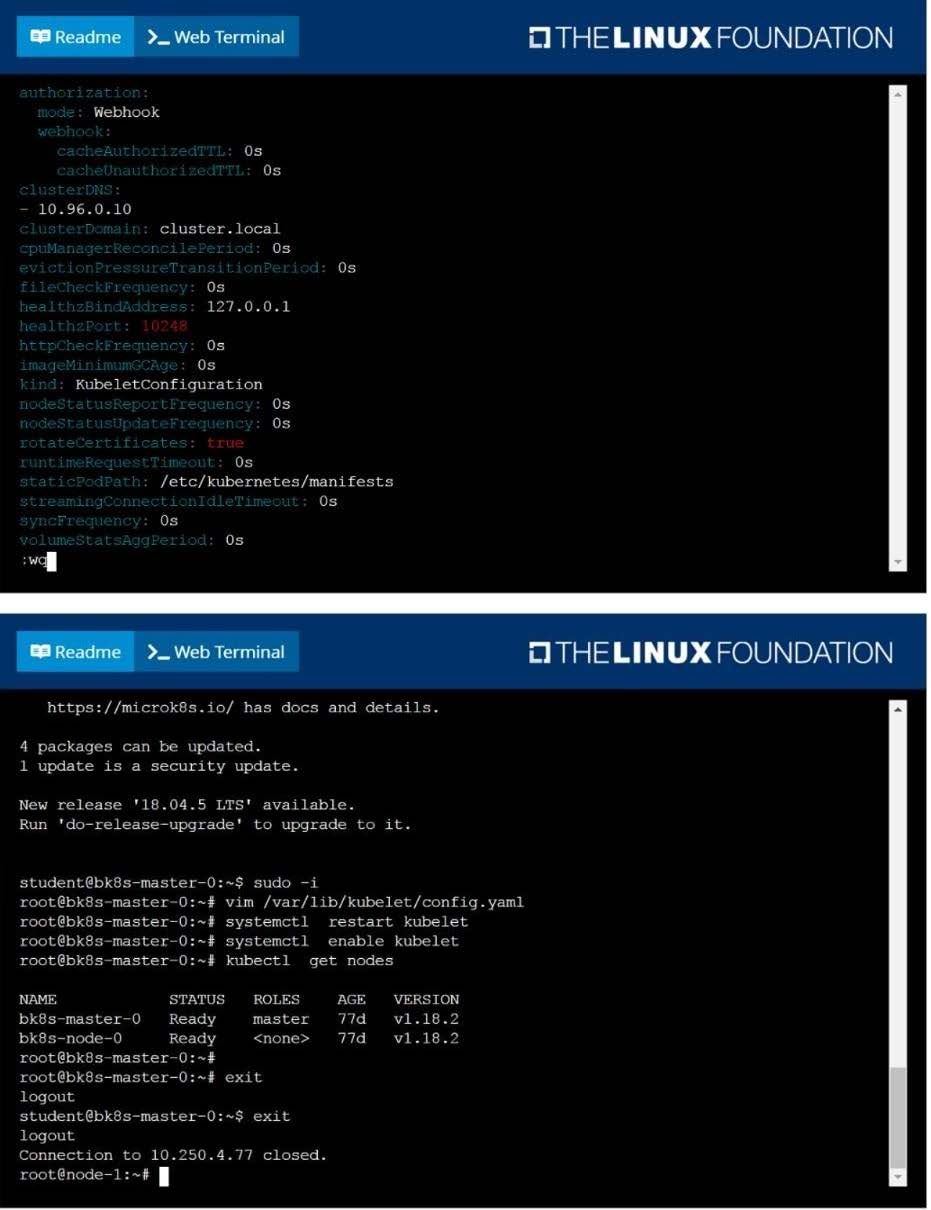
Given a partially-functioning Kubernetes cluster, identify symptoms of failure on the cluster.
Determine the node, the failing service, and take actions to bring up the failed service and restore the health of the cluster. Ensure that any changes are made permanently.
You can ssh to the relevant I nodes (bk8s-master-0 or bk8s-node-0) using:
[student@node-1] $ ssh
You can assume elevated privileges on any node in the cluster with the following command:
[student@nodename] $ | sudo -i
Get list of all pods in all namespaces and write it to file "/opt/pods-list.yaml"
SIMULATION
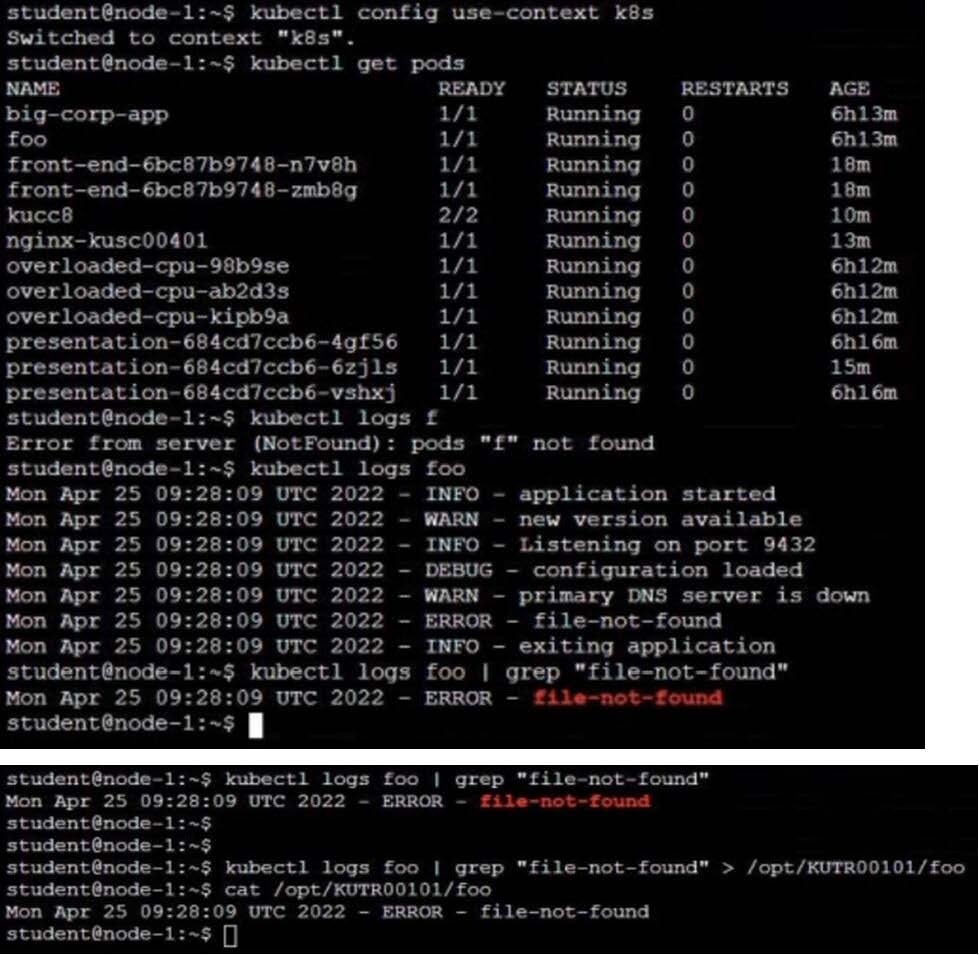
Task Monitor the logs of pod bar and: Extract log lines corresponding to error file-not-found
Write them to /opt/KUTR00101/bar

Home | Contact Us | About Us | FAQ | Guarantee & Policy | Privacy & Policy | Terms & Conditions | How to buy
Copyright © 2026 pass4itsure.com. All Rights Reserved