 TESTED 08 Jul
77-731 Online Practice Questions and Answers
In the Drafts folder, open the ''Process Development'' message. Apply the Basic (Stylish) style set. Send the message.


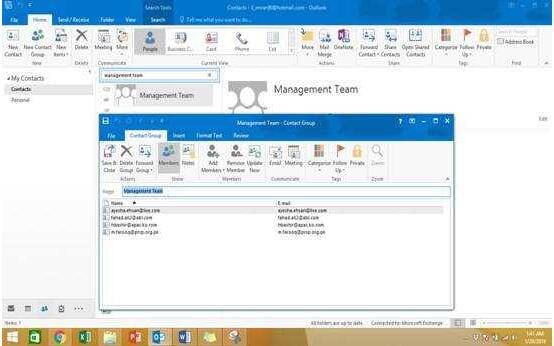
Add the contact ''Dan Wilson" to the ''Management Team'' contact group. Save and close the contact group.
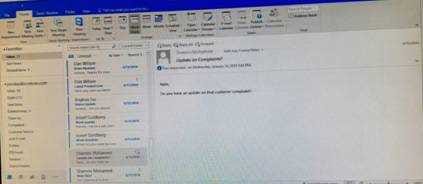
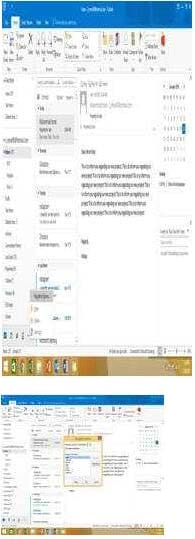
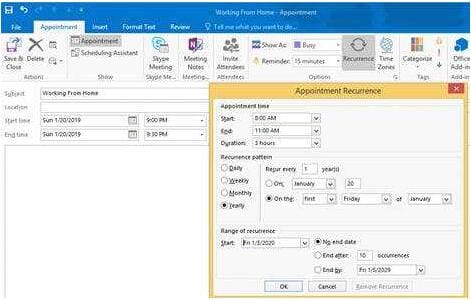
Create an appointment that has the subject ''Working From Home''. Configure the appointment to recur from 8:00 Am to 11:00 AM (from 8 o'clock until 11 o'clock) every other Friday starting the first Friday of next year. Show your time during the appointment as Working Elsewhere. Save close the appointment.
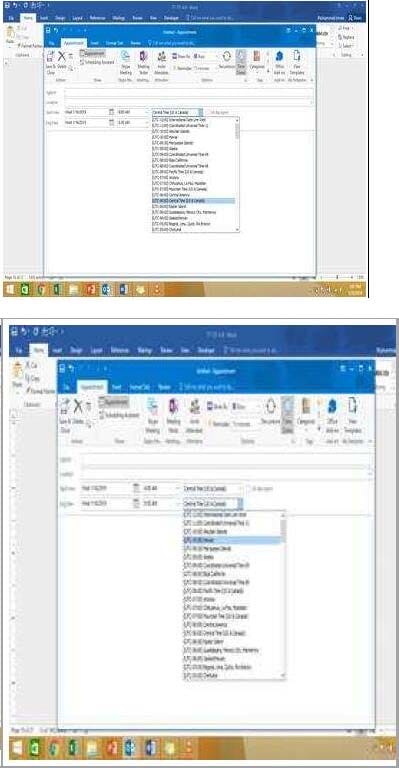
On the Calendar, locate the "Flight'' appointment that occurs on Friday. Change the time so that the appointment begins at 6:00 AM Central Time (US and Canada.) and ends at 9:30 Am Hawaii time. Do not change the date. Save and close the appointment.
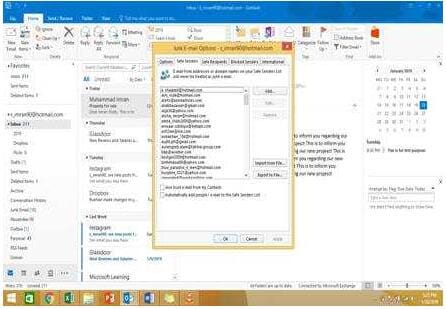
Configure Outlook so that email from a contact is never sent to the junk e-mail folder.
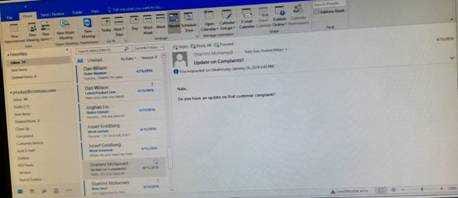
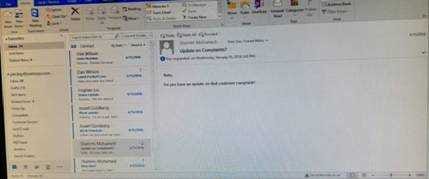
Add the Arrange Meeting tag to the contact ''Thomas Axen''. Set a start date of today and a due data of tomorrow. Set a reminder for 9:00 AM tomorrow.

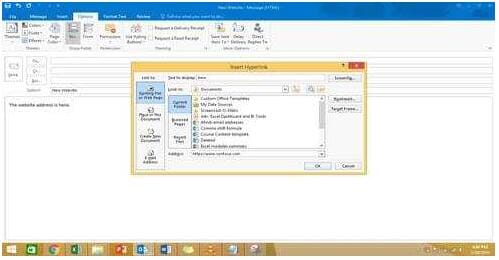
In the Drafts folder, open the ''New Website" message. Insert a hyperlink on the word "here'' that links to ''https//www.contoso.com''. Send the message.

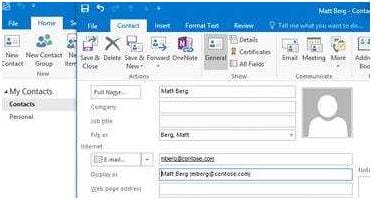
Create a contact named ''Matt Berg'' with an email address of ''mberg@contose.com'' Save and close the contact.
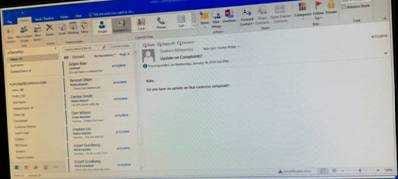
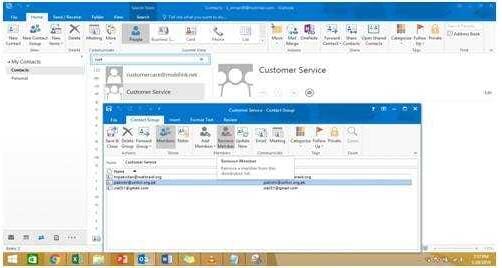
Remove ''Kim Ralls'' and ''Toby Nixon'' from Design'' contact group. Saves and close the contact group.

Home | Contact Us | About Us | FAQ | Guarantee & Policy | Privacy & Policy | Terms & Conditions | How to buy
Copyright © 2026 pass4itsure.com. All Rights Reserved